
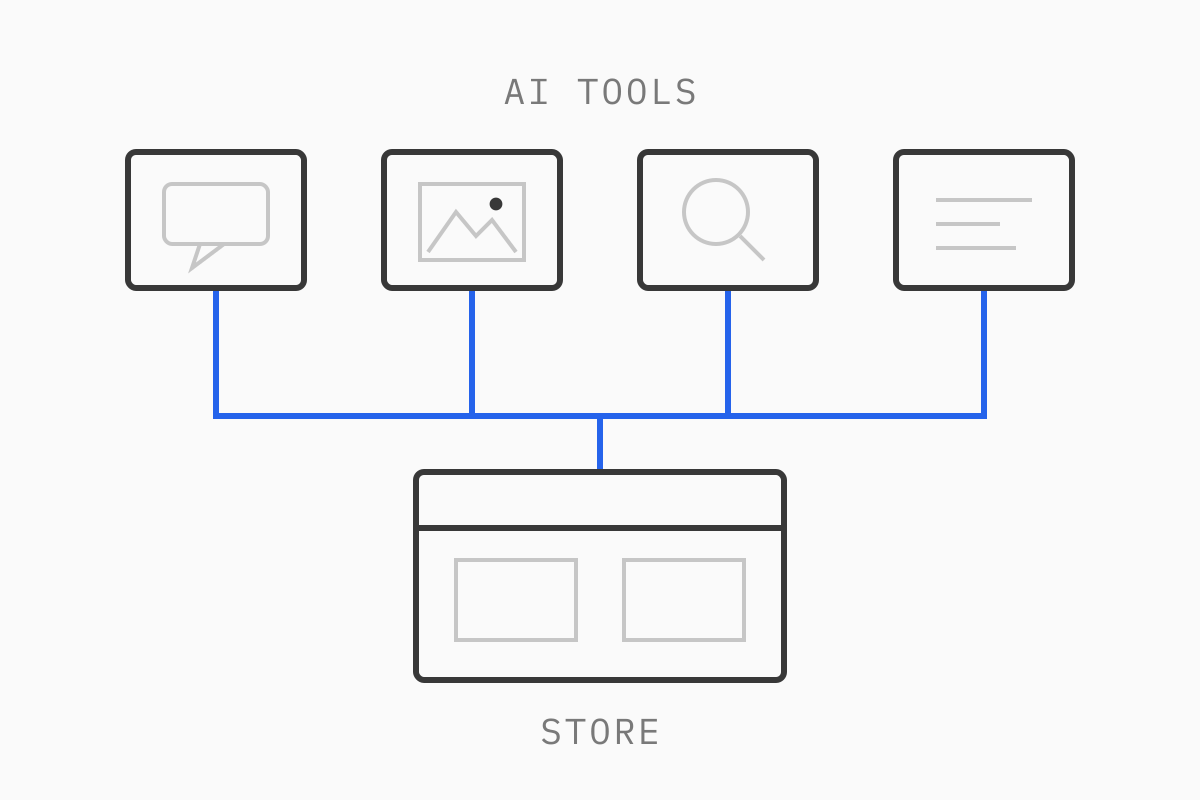
This guide goes job by job: what works, what to watch for, a tool or two worth knowing, and where we’d keep AI out.
We’re a development team: our developers use AI every day to build and check eCommerce sites, and we only recommend it where it pays for itself. We’ve also built AI features into our own website. That’s the lens here: what holds up in production.
01Why we organize this by job, not by tool
Lists of the “best AI tools for eCommerce” go stale within months. Products get renamed, merged or folded into the platforms you already pay for. Shopify, Contentful and most support desks now ship AI features as part of their core product, so the useful question for most brands is which job you want help with, and whether your data is ready for it.
So each section below starts from the job. Where we name a tool, it’s an example that does what we describe at the time of writing, not an endorsement over every alternative.
02Site search and merchandising
What works today. In our experience, search is where AI makes the clearest difference to shoppers. Older keyword search matches the words typed against the words in your catalog. Semantic (or vector) search tries to match meaning, so a query like “something to wear to a summer wedding” can return dresses and linen suits even if none of them use those words. Most serious search products now combine both approaches: keyword matching for exact things like SKUs and brand names, semantic matching for vaguer, conversational queries.
Two examples at the time of writing:
Shopify’s Search & Discovery app offers semantic search on the Grow, Advanced and Plus plans, according to Shopify’s help center, and Shopify’s standard storefront search already includes typo tolerance and predictive results.
Algolia NeuralSearch combines keyword and vector search in one query.
What to watch out for. AI search can only rank what’s in your catalog data. If product titles are inconsistent, attributes live in free-text descriptions and half your variants have no material or size set, semantic search will return confident-looking results that are wrong.
We see the data side of this on Kimai, a fine jewelry brand where we built search on standard Algolia. Search draws on data from Kimai’s four sites, and the catalog mixes regular fine jewelry with engagement rings that are configurable bundles of a diamond and a ring setting. Most of the search work was making sure those rings are matched and displayed correctly as one product, not as a loose diamond and a separate setting. Any AI layer added on top would depend on that same groundwork. AI search also tends to blur exact matches: a B2B buyer typing a part number wants that part, not something similar. Test with real queries from your search logs before you switch, and keep merchandising rules (pinned products, hidden items) under a person’s control.
When not to use it. Don’t let an AI ranking quietly decide which products are promoted for commercial reasons, like margin or stock clearance, without someone on your team owning those rules.
03Product content and data enrichment
What works today. This is where most brands start, and with good reason. AI is good at first drafts of product descriptions, at rewriting supplier copy into your tone, at writing alt text, at translating content and at filling gaps in structured data, such as pulling “material: recycled polyester” out of a paragraph and into a proper attribute. Done well, the last of these matters more than the descriptions, because clean attributes feed search, filters, feeds and the AI shopping assistants that now read your catalog.
Examples at the time of writing:
Shopify Magic is Shopify’s set of built-in AI features, free across plans, which includes text generation for product descriptions. Shopify’s own help page tells merchants to review AI-generated content before publishing it.
Contentful AI Actions run AI tasks such as translation, rewriting, SEO metadata and alt text inside Contentful, including in bulk across many entries, with publishing approvals and permissions still in place.
We’ve also built our own: a Contentful app that auto-translates entries for Yapily, a fintech company, where editors in each language then edit the translated content, so a person reviews every page.
What to watch out for. AI product descriptions tend to sound like each other, and like everyone else’s. The fix is context: give the tool your style guide, a few approved examples and the actual product attributes, not just a product name. Watch for invented details too. A model asked to “make it sound premium” will happily add “hand-finished” to something that isn’t.
When not to use it. Anything that’s a claim: health or skincare benefits, sustainability statements, sizing and safety information, “made in” origins, regulated product details. AI can draft these, but a named person signs them off, every time.
04Customer support and chat
What works today. An AI chatbot for eCommerce can now answer “where is my order”, returns and shipping-policy questions well, as long as it’s connected to your order data and written policies. The better support tools also let it take limited actions. Gorgias AI Agent, for example, can cancel an unfulfilled Shopify order or edit a shipping address after the customer confirms, and its documentation lists the cases where it hands over to a person instead, such as a replacement that would raise the order total. Its settings also let you write guidance in plain language and set handover topics, like legal disputes, that always go to a human.
Our own site’s chatbot works on the same principle: the AI holds the conversation and chooses which card to show, but every card’s content comes from Contentful, so it can’t invent a project or a person. We explain how we built it in how we use context-aware AI to build websites.
What to watch out for. A chatbot that can only answer from a generic model will sound helpful and be wrong about your returns window. Restrict it to your own knowledge sources, give it written rules, and read a sample of real conversations every week, at least at the start. Make the route to a person obvious.
When not to use it. Refunds above a set amount, disputes, complaints that might become legal, medical questions, and anything involving payment details. These should go to a person by default, and the bot should say so plainly.
05Internal tools and reporting
What works today. Some of the most useful AI work in eCommerce is internal: summarizing a week of support tickets into themes, drafting a weekly trading report from your analytics, tagging reviews by issue, checking product data for gaps before a launch, or writing the first version of a bulk-edit script.
Shopify’s own assistant, Sidekick, sits in the Shopify admin and can help with tasks like data analysis, order management and generating content, and Shopify says it shows changes for review before applying them (Shopify Help Center). For many Shopify brands it’s the easiest place to try AI on internal work without buying anything.
In B2B eCommerce, AI is mostly internal at this stage: reading incoming purchase orders and quote requests, matching free-text item descriptions to SKUs in your catalog, and drafting quotes for a sales rep to check. These are often custom builds, because the data lives in an ERP or a PIM rather than in a storefront, and the same rule applies as with search: the matching is only as good as the catalog data behind it.
What to watch out for. Summaries and reports drop detail, and a report that reads well can hide a wrong number. Keep the underlying data one click away, and check any figure that’s about to drive a decision.
When not to use it. Pricing decisions, credit decisions, stock write-offs and anything that changes money or contracts. AI can prepare the analysis. Someone with the authority to make the call should make it.
06Development work itself
What works today. This is the area we know best. Our developers use AI throughout a build: writing first versions of components, generating test cases, writing scripted content migrations, auditing pages against the designs, and checking every page against the SEO plan. On our own site, it caught a redirect chain before launch.
Context made the difference: the designs, the content, the facts document and the SEO plan sitting next to the code, so the AI could check the work against them. We wrote up the full workflow in how we use context-aware AI to build websites.
What to watch out for. AI-generated code works in the demo and fails at the edges: performance on a slow phone, accessibility, an unusual product with 200 variants, a checkout extension under load. It also suggests changes in the wrong place. Review every change as you would a junior developer’s pull request.
When not to use it. Don’t let AI choose your architecture, your platform or your payment and checkout logic. Those decisions need someone who will be there to own the consequences.
07Where AI doesn’t belong without a person
Across all of these jobs, the same lines come up. Keep AI out of the final decision, or put a named reviewer in front of it, for:
Transactions: refunds, cancellations outside clear rules, payments, anything that moves money.
Pricing and discounts: AI can model scenarios, but a person sets the price.
Claims: product benefits, sustainability, origin, safety and anything a regulator or a customer could hold you to.
Legally sensitive content: terms, policies, privacy notices, disputes.
Decisions that need accountability: hiring, supplier choices, platform choices, architecture.
AI can still help in these areas: its output is a draft, and a person approves it.
08Where to start
If you’re working out how to use AI in eCommerce for the first time, start small and specific:
Pick one workflow. One that’s repetitive, low risk and easy to check: product alt text, translating a small collection, or tagging support tickets. Measure how long it takes today.
Clean the data it will read. Product titles, attributes, variants and the content in your CMS. AI makes clean data more useful and messy data more confusing. If your content lives in a headless CMS like Contentful, structured fields make this far easier (we explain why in what is Contentful).
Write the rules down. Tone, what it may and may not say, when to hand over to a person. A person on your team approves those rules and owns them.
Review the output, then decide. Compare time and quality against the baseline. Keep it, change it, or drop it.
In our experience, most brands get more from the AI features already inside Shopify, Contentful and their support desk than from adding another app. Custom builds make sense when the job is specific to your business: matching B2B orders to your catalog, connecting an ERP, or building a chatbot that only shows real content.
09Closing thoughts
AI is a good tool for eCommerce teams when it works from clean data, follows written rules, and hands the decision to a person. That’s how our developers use it, and it’s how we’d suggest any brand starts. The tools will keep changing. The questions in this guide won’t: which job, what data, what rules, and who decides.
If you want help working out which of these jobs is worth doing first on your store, or you need a custom AI feature built into your site or internal tools, see our software development services or book a call.
10FAQ
What are the best AI tools for eCommerce?
It depends on the job. For search, look at the semantic search in Shopify’s Search & Discovery app or at Algolia NeuralSearch. For product content, Shopify Magic and Contentful AI Actions are built into tools many brands already use. For support, Gorgias AI Agent can answer common questions and take limited order actions. Start with the AI already in your platform before adding new apps.
How should I use AI in my eCommerce business?
Pick one repetitive, low-risk workflow, such as alt text or ticket tagging. Clean the product data and content it will read, write down rules a person approves, and review the results against how long the job took before. Keep pricing, claims and anything transactional under human review.
Is an AI chatbot for eCommerce worth it?
It can be, if it’s connected to your order data and written policies, limited to your own knowledge sources, and hands over to a person for refunds, disputes and anything legal. A chatbot running on a generic model with no rules will give confident wrong answers about your policies.